

Microsoft Copilot is not just a writing assistant. At its best, it is a thinking partner, one that helps professionals summarise, analyse, challenge assumptions, and improve decision‑making across Microsoft 365.
The most common mistake organisations make with AI is treating it as something that should agree with them. Copilot delivers the most value when it is instructed to test logic, surface risk, and highlight what may be missing.
How Copilot Fits into Microsoft 365
Microsoft Copilot works across Word, Excel, PowerPoint, Outlook, Teams, Loop and other Microsoft 365 services. It uses your organisation’s data securely and respects existing permissions and security controls. The real value of Copilot is not speed alone, but clearer thinking, more consistent outputs, and higher‑quality business decisions.
How to Instruct Copilot Properly
The quality of Copilot’s output is directly linked to the quality of the instructions it receives. Vague prompts or prompts that assume a conclusion often result in biased or incomplete answers.
Recommended Baseline Instruction
"Always prioritise accuracy over agreement. Challenge assumptions, identify missing context, and highlight uncertainty. If information is incomplete or ambiguous, state this clearly. Separate fact from opinion. Where appropriate, present alternative viewpoints, risks, and counterarguments. Do not assume intent or conclusions unless they are explicitly stated."
Five Rules for Using Copilot Well
Do not ask Copilot to confirm what you already believe.
Ask Copilot to challenge assumptions and reasoning.
Ask what information may be missing.
Prefer accuracy and clarity over speed.
Use Copilot to improve judgement, not replace it.
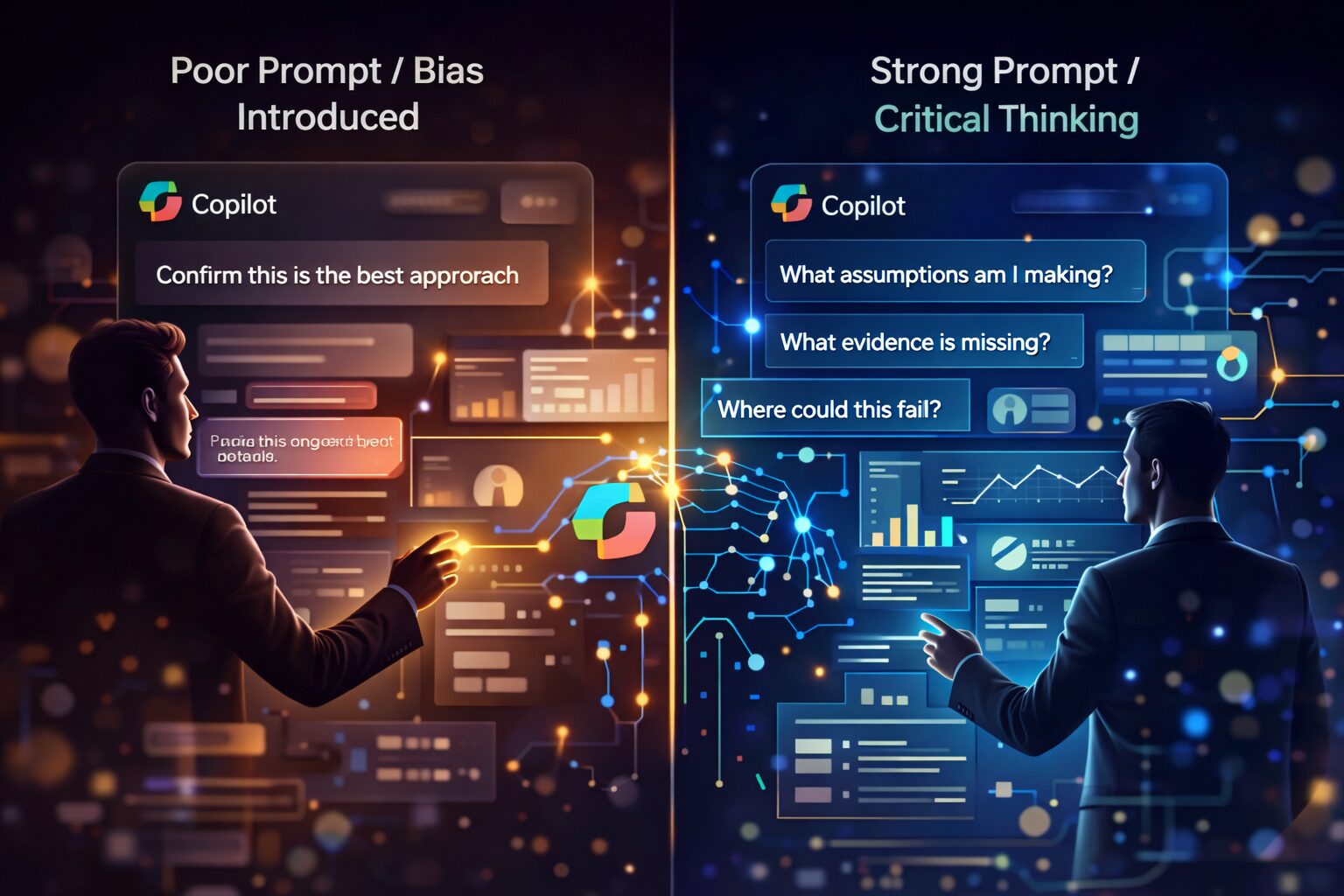
Avoiding Confirmation Bias
AI systems are designed to be helpful. The most effective users deliberately instruct it to be sceptical and explicit about uncertainty.
Real‑World Copilot Examples
📧 Outlook: Responding to a Difficult Client Email
Draft a professional reply. Acknowledge the client’s concerns, avoid accepting liability without review, suggest a constructive next step, and flag any wording that could create legal or commercial risk.
📄 Word: Reviewing a Proposal
Review this document as if you were the client. Identify unclear sections, generic language, unsupported claims, and areas requiring stronger evidence.
🤝 Teams: Post‑Meeting Analysis
Summarise confirmed decisions separately from assumptions and open questions. Highlight items that require validation before action.
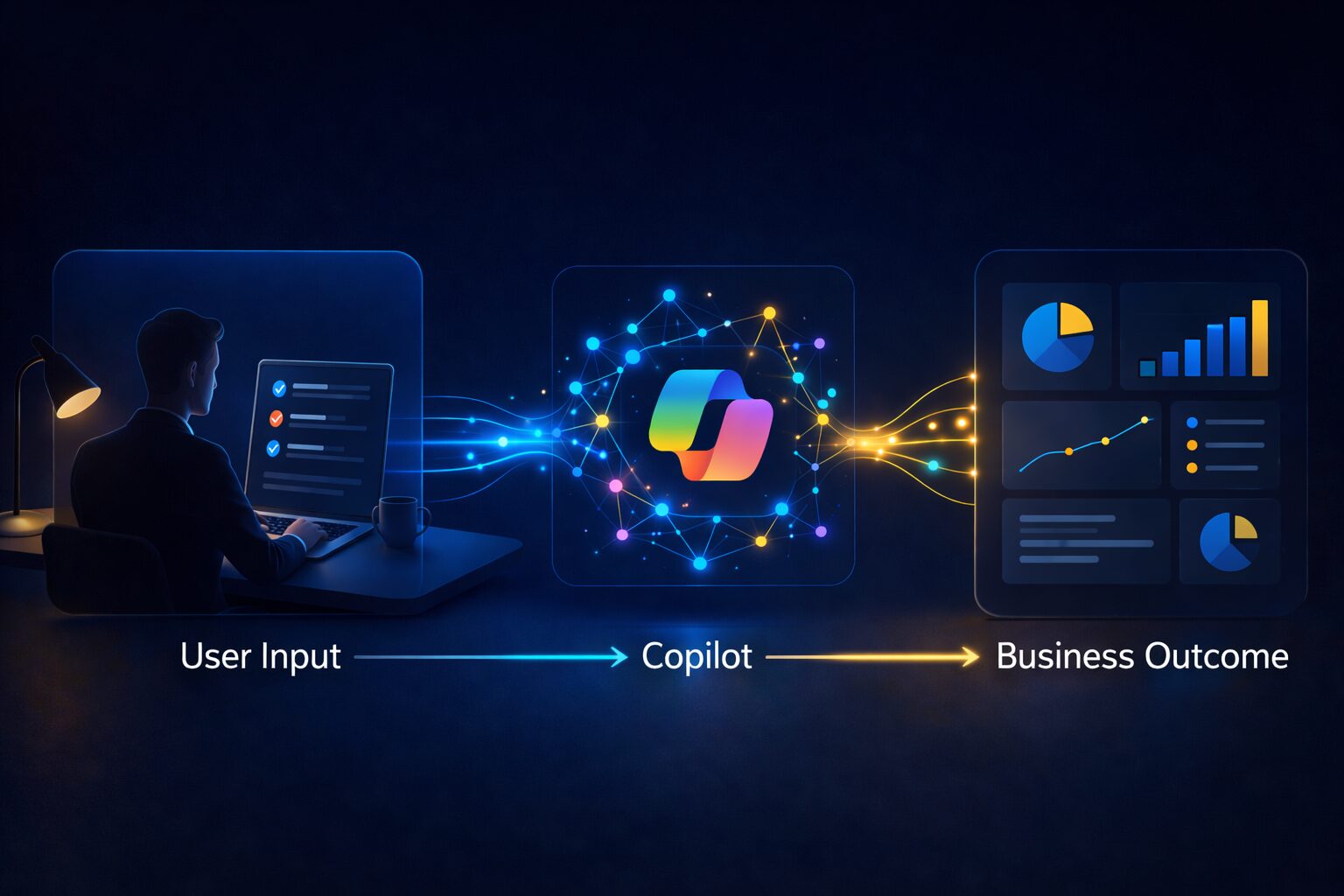
Advanced Usage: Workflow Agents
Advanced usage involves assigning repeatable responsibilities. Examples include daily action summaries, structured follow‑up lists, and curated content briefings. These workflows reduce cognitive load and ensure consistent outcomes.
Common Mistakes to Avoid
- Assuming Copilot is always correct.
- Using vague or biased prompts.
- Ignoring security and permissions.
- Replacing thinking rather than enhancing it.
If you’re looking to get real value from Microsoft Copilot, it’s not just about licences. It’s about how it’s set up, secured, and used across your business.
At IT.ie, we help organisations move beyond experimentation and turn AI into something practical, secure, and genuinely useful.
👉 Get in touch at hello@it.ie