CyberProtect Every device. Every person. One shield.

Managed cyber security for Irish businesses, in two simple products from IT.ie. Choose Endpoint for your devices, User for your people and Microsoft 365, or both for full cover.

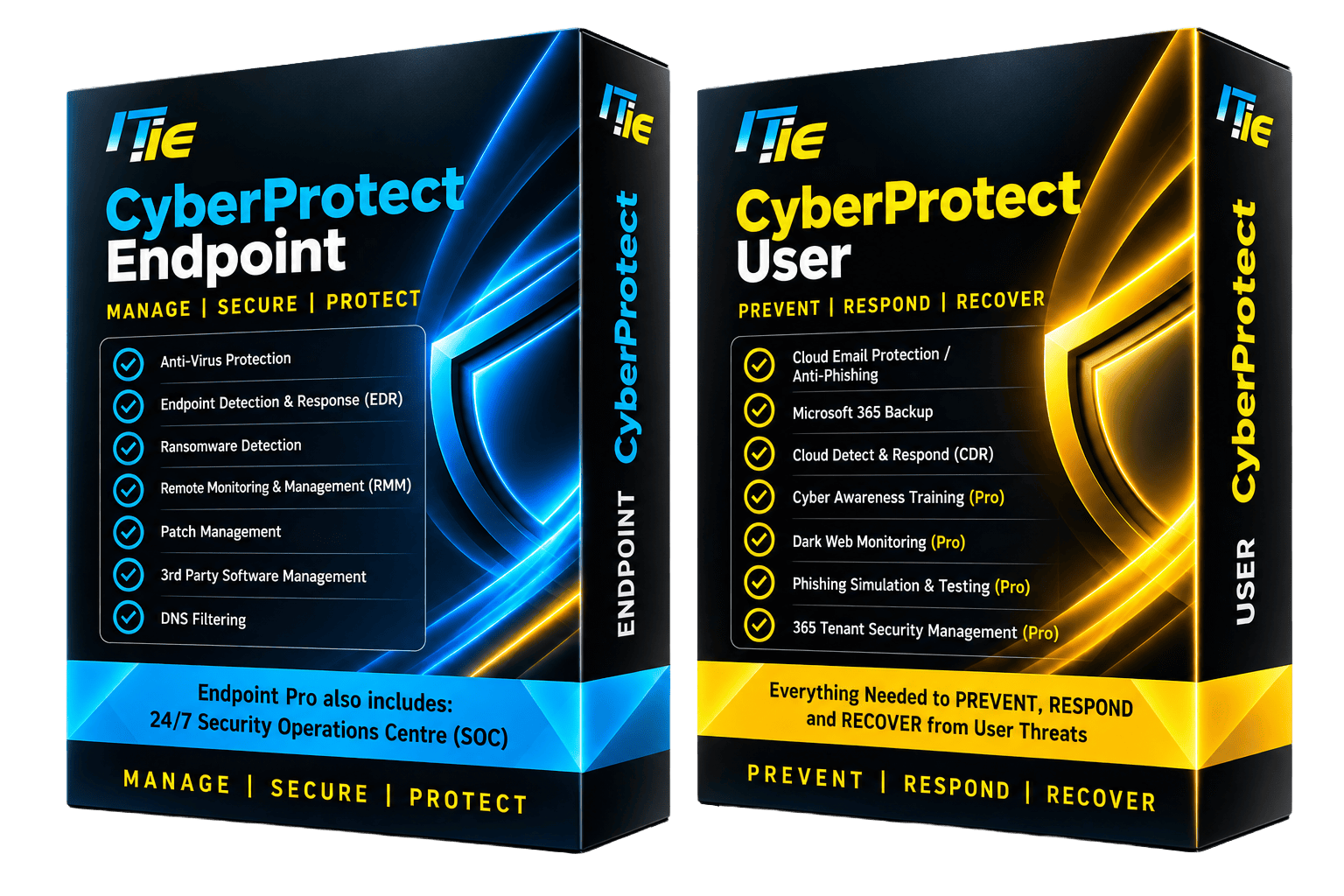
CyberProtect Endpoint and CyberProtect User product boxes from IT.ie, lit in blue and yellow

Over half of Irish office workers admit they have caused a data breach.

IT.ie survey of 1,000 Irish office workers.

Only 15% get the level of training they need to prevent one.

Attacks rarely need a genius. They need one rushed click, one unpatched laptop or one reused password. That is why CyberProtect protects both halves of your business: the devices your team works on, and the people, inboxes and Microsoft 365 data they work with.

No stack of separate vendors. No bloated tools nobody has time to manage. One bundle from IT.ie, monitored and supported from Ireland.

What is CyberProtect?

CyberProtect is IT.ie's managed cyber security bundle for Irish SMEs. It comes as two products. CyberProtect Endpoint protects laptops, desktops and servers. CyberProtect User protects your people, email and Microsoft 365 data. Take one, or put both together for one complete shield.

Threats that hit your devices

  • RansomwareRansomware detection and EDR
    CoveredNot in User
  • Viruses and malwareAnti-virus with endpoint detection & response
    CoveredNot in User
  • Unpatched softwarePatch and third-party software management
    CoveredNot in User
  • Malicious websitesDNS filtering blocks them before they load
    CoveredNot in User
  • Devices nobody is watchingRemote monitoring & management, 24/7 SOC in Pro
    CoveredNot in User
11/11threat routes covered

Endpoint and User together address every route on this map: devices, people and Microsoft 365.

Threats that hit your people and Microsoft 365

  • Phishing and fake invoicesCloud email protection and anti-phishing
    CoveredNot in Endpoint
  • Hijacked Microsoft 365 accountsCloud Detect & Respond (CDR)
    CoveredNot in Endpoint
  • Deleted or encrypted 365 dataMicrosoft 365 backup: email, OneDrive, SharePoint, Teams
    CoveredNot in Endpoint
  • Staff caught out by scamsAwareness training and phishing simulations (Pro)
    CoveredNot in Endpoint
  • Passwords for sale onlineDark web monitoring (Pro)
    CoveredNot in Endpoint
  • Risky Microsoft 365 settings365 tenant security management (Pro)
    CoveredNot in Endpoint

A simplified map of common attack routes for small businesses. Some protections need the Pro edition. Your free assessment looks at the full picture.

Two products. Pick one, or put the shield together.

Each product comes in Essentials and Pro editions, managed for you by IT.ie.

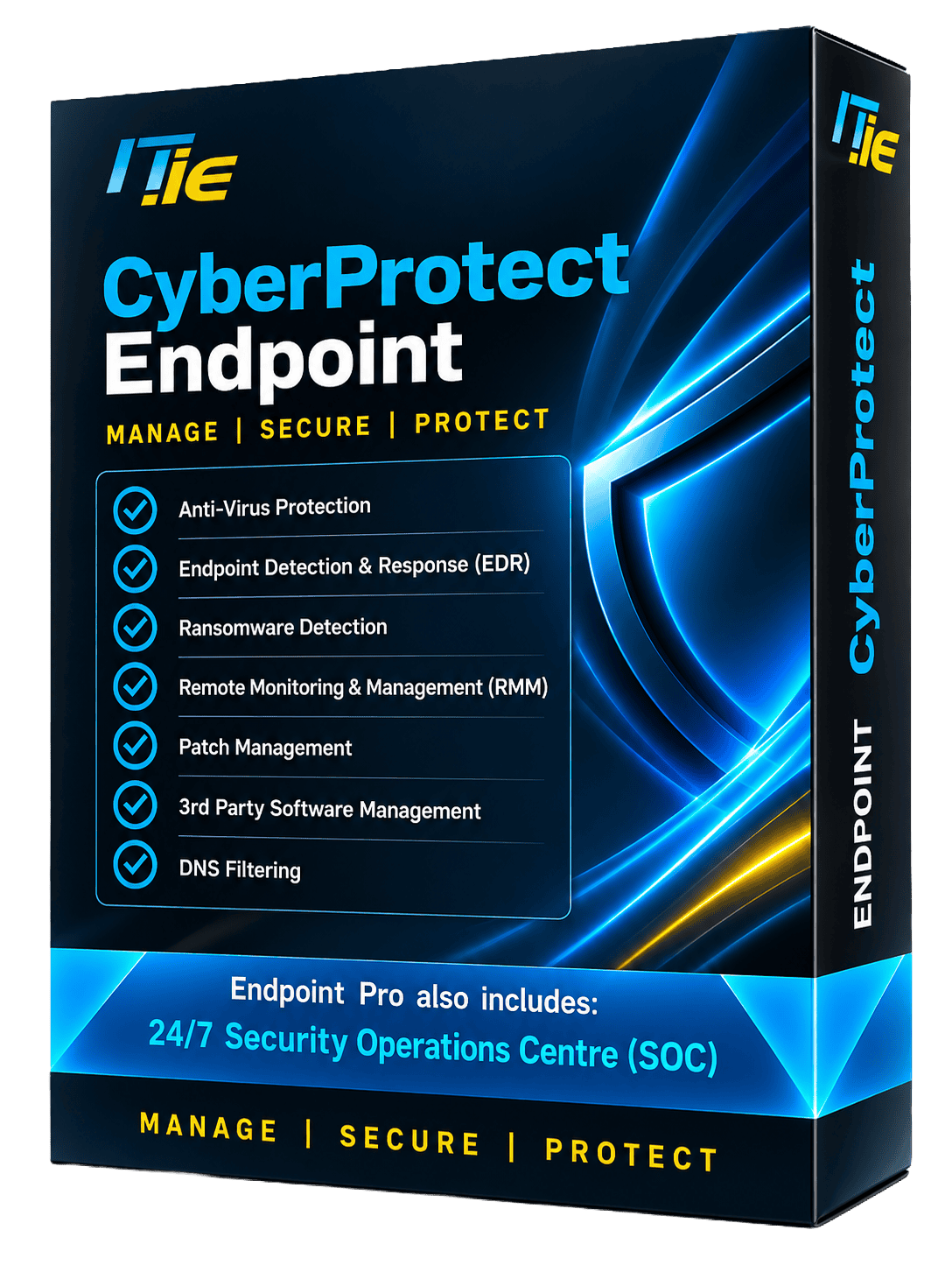
CyberProtect Endpoint product box

CyberProtect Endpoint

Manage | Secure | Protect

Protection for every laptop, desktop and server in your business, with IT.ie watching device health and fixing problems before they become incidents.

  • Anti-virus protectionBlocks known malware on every device.
  • Endpoint detection & response (EDR)Spots suspicious behaviour and contains attacks that get past anti-virus.
  • Ransomware detectionWatches for crypto-ransomware and acts to stop it, limiting the damage.
  • Remote monitoring & management (RMM)IT.ie sees device health and can fix issues remotely.
  • Patch managementKeeps Windows up to date and closes known security holes.
  • Third-party software managementKeeps everyday apps like browsers and PDF readers patched too.
  • DNS filteringStops staff reaching malicious and phishing websites.
  • 24/7 Security Operations Centre (SOC)ProSecurity analysts watching for threats around the clock.
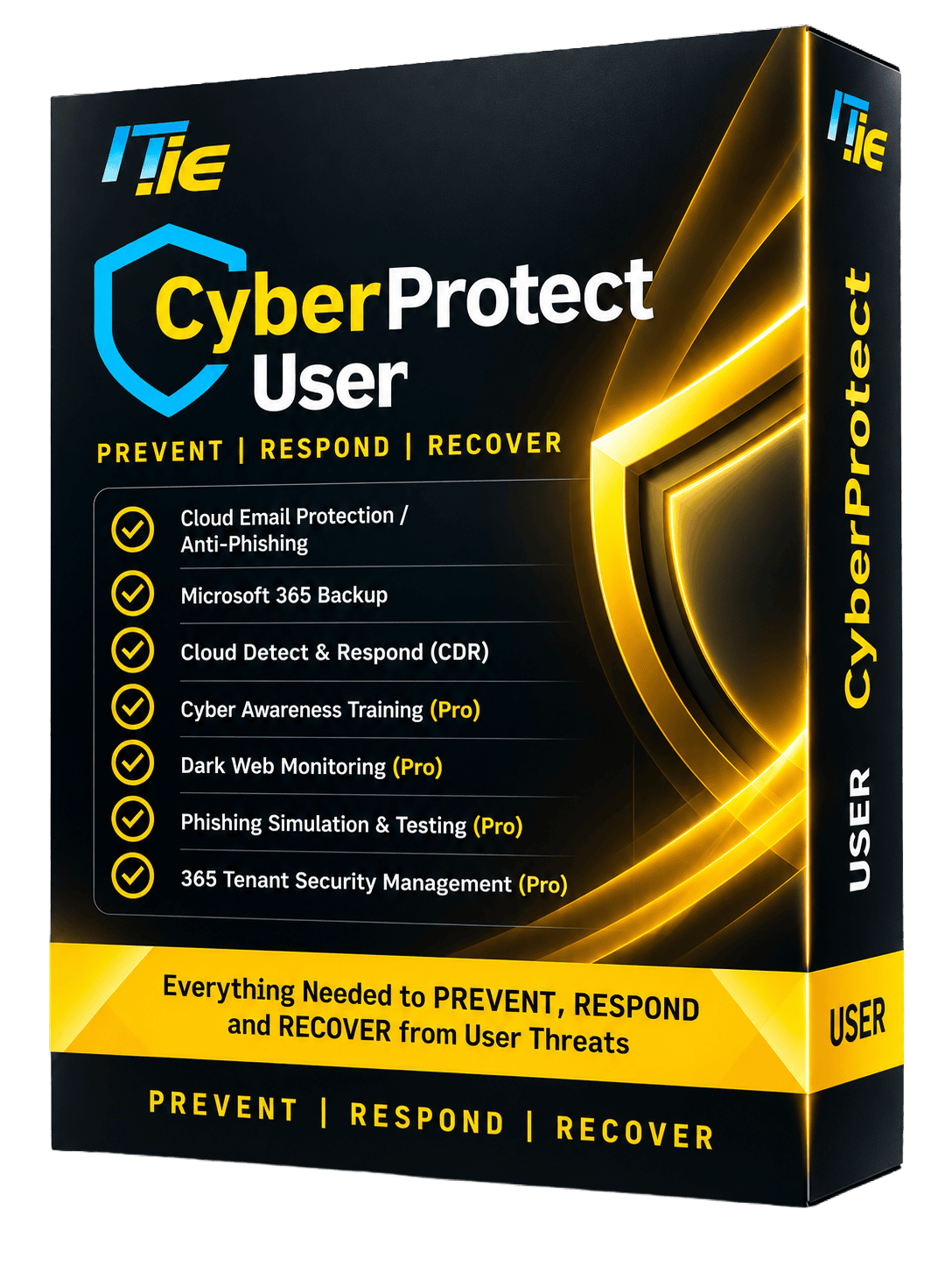
CyberProtect User product box

CyberProtect User

Prevent | Respond | Recover

Protection for your people, inboxes and Microsoft 365 data, so one bad email or stolen password does not become a business-stopping event.

  • Cloud email protection / anti-phishingFilters phishing, malware and impersonation emails before they reach inboxes.
  • Microsoft 365 backupSecure backups of email, OneDrive, SharePoint and Teams.
  • Cloud Detect & Respond (CDR)Watches Microsoft 365 activity for signs of a compromised account.
  • Cyber awareness trainingProShort, regular training that helps staff spot scams.
  • Phishing simulation & testingProRealistic test emails show who needs more help.
  • Dark web monitoringProAlerts you when company credentials turn up online.
  • 365 tenant security managementProOngoing checks on your Microsoft 365 settings to close gaps.

Compare CyberProtect editions

Essentials covers the core. Pro adds round-the-clock monitoring on devices, and training and deeper Microsoft 365 protection for people.

CyberProtect EndpointManage | Secure | Protect
FeatureEssentialsPro
Anti-virus protectionIncludedIncluded
Endpoint detection & responseIncludedIncluded
Ransomware detectionIncludedIncluded
Remote monitoring & managementIncludedIncluded
Patch managementIncludedIncluded
Third-party software managementIncludedIncluded
DNS filteringIncludedIncluded
24/7 Security Operations Centre (SOC)Not includedIncluded
CyberProtect UserPrevent | Respond | Recover
FeatureEssentialsPro
Cloud email protection / anti-phishingIncludedIncluded
Microsoft 365 backupIncludedIncluded
Cloud Detect & Respond (CDR)IncludedIncluded
Cyber awareness trainingNot includedIncluded
Phishing simulation & testingNot includedIncluded
Dark web monitoringNot includedIncluded
365 tenant security managementNot includedIncluded

Microsoft 365 Business Premium, plus CyberProtect

Business Premium gives you strong security tools. CyberProtect adds the monitoring, backup, patching and training that turn those tools into everyday protection. We recommend the two together.

  • Address the endpoint vulnerabilities flagged in your Microsoft Secure Score recommendations.
  • Strengthen your position against regulatory requirements and your overall security posture.
  • Reduce exposure with automated defences that sit alongside your existing Microsoft 365 security tools.

On Business Standard? CyberProtect Endpoint adds the advanced endpoint security Standard lacks and helps raise your Secure Score.

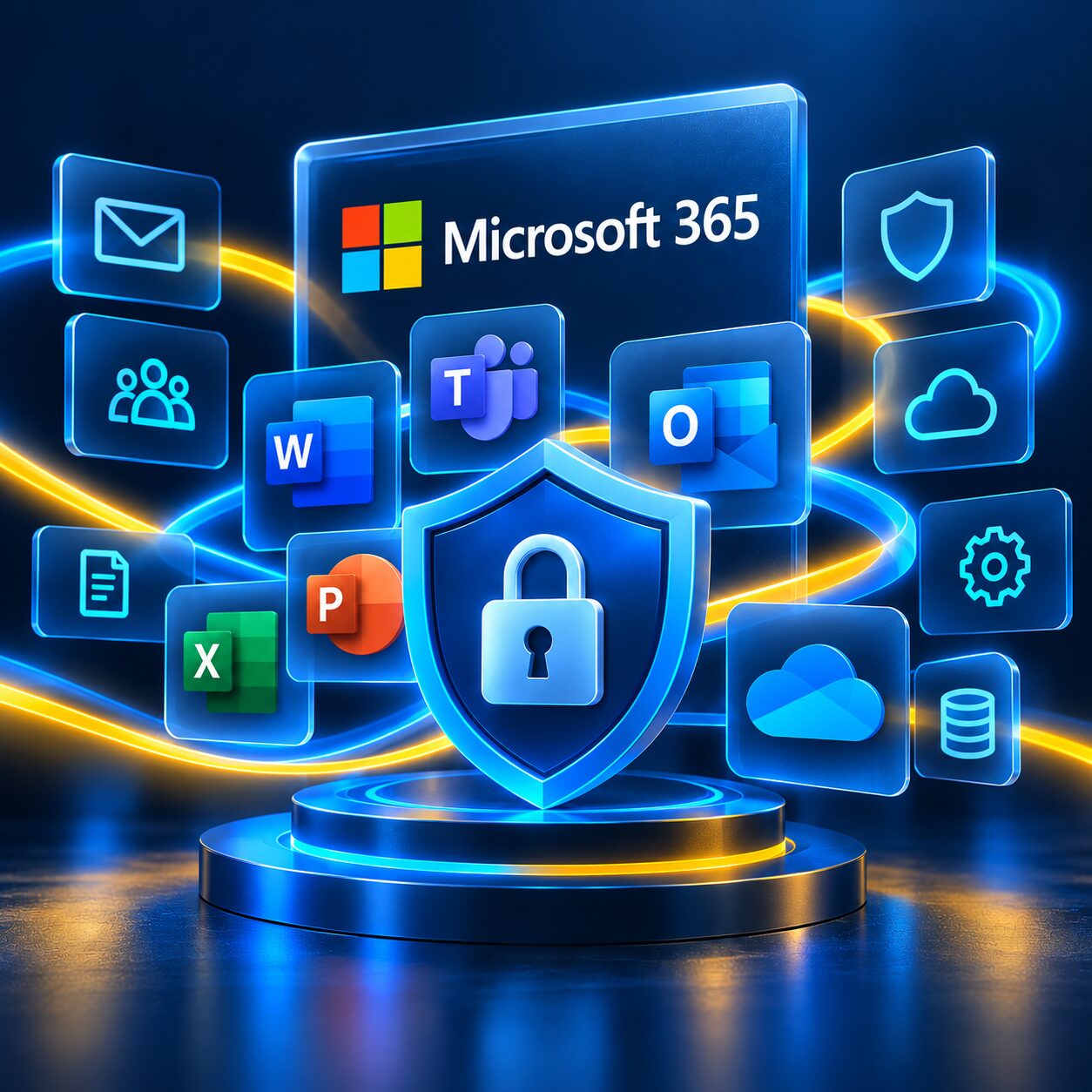
Microsoft 365 apps including Outlook, Teams, Word, Excel, PowerPoint and OneDrive arranged around a security shield and padlock

What Business Premium gives you Microsoft 365

  • Defender endpoint detection & responseThreat detection and response on devices.
  • IntuneManages devices and apps and enforces security policies.
  • Conditional AccessControls who can sign in, from where, and on what.
  • Data Loss Prevention (DLP)Helps stop sensitive information being shared by mistake.
  • BitLockerEncrypts Windows devices against unauthorised access.
  • Multi-factor authentication (MFA)A second check at every sign-in.

What CyberProtect adds IT.ie

  • Threat monitoring and intelligenceEmail filtering, cloud email protection and 24/7 SOC monitoring with Endpoint Pro.
  • Microsoft 365 backup & recoveryEmail, OneDrive, SharePoint and Teams, safe from ransomware and accidental deletion.
  • Patching and ransomware detectionVulnerabilities fixed before attackers can use them.
  • Cyber awareness trainingStaff learn to spot phishing and social engineering.
  • Phishing simulation campaignsRealistic tests that measure and improve awareness.
  • 365 tenant security managementOngoing governance that reduces misconfigurations.

Built to support NIS2 and DORA

NIS2 makes cyber security a management-level duty for in-scope organisations, and pushes the same expectations down to the suppliers they rely on. It expects you to detect incidents, recover data, train staff and show your working. CyberProtect gives you the controls behind each of those, managed for you.

24HOURS

The NIS2 early-warning deadline. In-scope organisations must alert the authorities within 24 hours of becoming aware of a significant incident, and notify fully within 72. You cannot report what you cannot see: CyberProtect's EDR, cloud detect & respond and 24/7 SOC help you see it in time.

NIS2 Directive
DORA GDPR NIS2 Art. 21

Frameworks CyberProtect helps you work towards

How CyberProtect maps to NIS2 Article 21

Article 21(2) lists the cybersecurity risk-management measures in-scope organisations must take. Here is where CyberProtect does the heavy lifting.

  1. 21(2)(b)
    Incident handlingDetect, contain and respond to incidents.
    EDRRansomware detection24/7 SOC (Pro)Cloud Detect & Respond
  2. 21(2)(c)
    Business continuity and backupBackup management and disaster recovery.
    Microsoft 365 backup
  3. 21(2)(e)
    Vulnerability handlingSecurity in the maintenance of your systems.
    Patch managementThird-party software
  4. 21(2)(f)
    Testing that controls workAssessing the effectiveness of your measures.
    Phishing simulations (Pro)Security reporting
  5. 21(2)(g)
    Cyber hygiene and trainingBasic hygiene practices and staff training.
    Awareness training (Pro)Email protectionDNS filtering
  6. 21(2)(i)
    Access control and asset managementKnow your devices and secure your accounts.
    Remote monitoring & management365 tenant security (Pro)Dark web monitoring (Pro)
CyberProtect EndpointCyberProtect User

Financial entities face similar expectations under DORA for ICT risk management, incident reporting and resilience. CyberProtect supports compliance; it does not make a business compliant on its own. Governance, policies and risk management matter too, and IT.ie can help with those.

Protected in three steps

From first conversation to fully managed protection, with as little disruption to your team as possible.

  1. Assess

    We review your IT, Microsoft 365 and current security, then recommend the right CyberProtect editions for your business. It's free.

  2. Deploy

    IT.ie rolls CyberProtect out to your devices and Microsoft 365 with minimal disruption to day-to-day work.

  3. Protect and support

    Continuous updates, monitoring, local support and expert advice to keep your business running securely.

CyberProtect questions, answered

Can't see your question? Call 1800 353 353, start a live chat or send us a message.

Last updated

What is CyberProtect?

CyberProtect is IT.ie's managed cyber security bundle for Irish small and medium-sized businesses. It comes as two products: CyberProtect Endpoint, which protects laptops, desktops and servers, and CyberProtect User, which protects your people, email and Microsoft 365 data. Each is available in Essentials and Pro editions, and you can take one or both.

What is the difference between CyberProtect Endpoint and CyberProtect User?

Endpoint protects devices: anti-virus, endpoint detection and response (EDR), ransomware detection, patch management, third-party software management, remote monitoring and management, and DNS filtering.

User protects people and Microsoft 365: cloud email protection, Microsoft 365 backup and Cloud Detect & Respond. User Pro adds cyber awareness training, phishing simulations, dark web monitoring and tenant security management.

Do I need both Endpoint and User?

Many attacks start with a person, such as a phishing email or a stolen password, and end on a device, such as ransomware encrypting a laptop or server. Taking both covers both halves. You can start with one and add the other later. Our free security assessment will recommend the right mix for you.

Does CyberProtect work with Microsoft 365?

Yes. CyberProtect is designed to work alongside Microsoft 365. We recommend pairing it with Microsoft 365 Business Premium for the strongest security posture. If you are on Business Standard, CyberProtect Endpoint adds advanced endpoint security and helps raise your Microsoft Secure Score.

What does the Pro edition add?

Endpoint Pro adds a 24/7 Security Operations Centre (SOC) that watches for threats around the clock. User Pro adds cyber awareness training, phishing simulation and testing, dark web monitoring and Microsoft 365 tenant security management.

Does CyberProtect help with NIS2 and DORA?

CyberProtect supports several of the measures listed in NIS2 Article 21, including incident handling, backup and disaster recovery, vulnerability handling, cyber hygiene and training, and asset management. It also supports the incident detection, backup and training that DORA expects of financial entities.

No product makes a business compliant on its own: compliance also needs governance, policies and risk management. We can help you map CyberProtect to your obligations. See our NIS2 information page.

How quickly does NIS2 require incidents to be reported?

Under NIS2 Article 23, in-scope organisations must send an early warning to the national authority within 24 hours of becoming aware of a significant incident, and an incident notification within 72 hours. Continuous monitoring, such as CyberProtect's EDR, Cloud Detect & Respond and 24/7 SOC, helps you spot incidents quickly enough to meet those deadlines.

Who provides the technology behind CyberProtect?

CyberProtect is powered by the Kaseya security stack. IT.ie is a Kaseya Blue Diamond Partner and delivers, configures and supports CyberProtect from Ireland.

How do I get started?

Book a free cyber security assessment: call 1800 353 353, email hello@it.ie, start a live chat or use the form below. We assess your IT, recommend the right editions, deploy them with minimal disruption and then support you locally.

Book your free cyber security assessment

Tell us a little about your business and we'll get right back to you. We'll look at where you're exposed today and which CyberProtect editions would close the gaps. No obligation.

Send us a message

We reply within one working day.


Kaseya Datto Blue Diamond Partner badge

Powered by Kaseya. Delivered by IT.ie.

CyberProtect runs on the Kaseya security stack. As a Kaseya Blue Diamond Partner, IT.ie brings elite-level support and integration expertise, so you get the full Kaseya toolset with an Irish team behind it.

Download The Social Engineering Guide

Fill in your details below and hit download.