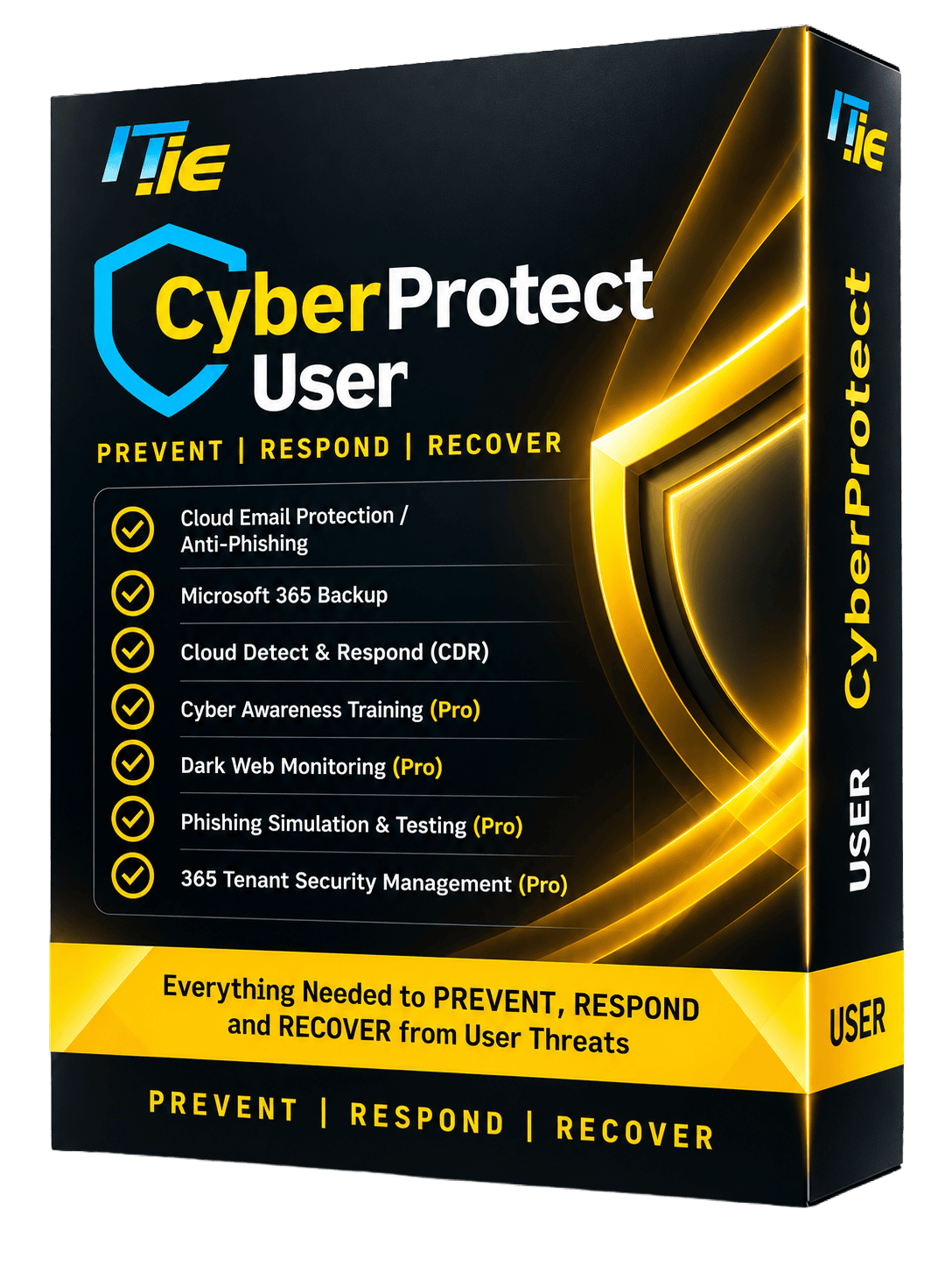
What is CyberProtect User?
CyberProtect User is IT.ie's managed protection for the people in your business and your Microsoft 365. It stops phishing before it reaches inboxes, backs up your email, files and Teams, and watches for signs that an account has been taken over. IT.ie runs it all for you from Ireland.
- ProtectsStaff inboxes, Microsoft 365 accounts and data
- Backs upExchange email, OneDrive, SharePoint and Teams
- EditionsEssentials, or Pro with training, phishing simulations and dark web monitoring
- Managed byIT.ie, with local Irish support
- Powered byThe Kaseya security stack
Prevent. Respond. Recover.
The three words on the box are the three things CyberProtect User does for your people and your Microsoft 365.
PreventPhishing stopped before anyone can click
Many scams start with an email. CyberProtect User filters email before it lands, and in Pro it trains your people to spot what gets through.
- Cloud email protection / anti-phishingFilters phishing, malware and impersonation emails before they reach inboxes.
- Cyber awareness trainingProShort, regular training that helps staff spot scams.
- Phishing simulation & testingProRealistic test emails show who needs more help.
- Dark web monitoringProAlerts you when company credentials turn up online.
- Microsoft 365 Billing09:41QuarantinedImpersonation · link to a look-alike login page
Action required: your invoice is overdue - Aoife KellyMinutes from Tuesday's meeting09:12
- Supplier Co.Delivery confirmed for Friday08:57
- Declan MurphyRe: Q4 budget figures08:30
RespondA hijacked account spotted and shut down
A stolen password lets an attacker sign in as one of your team and quietly read, forward and send email. Cloud Detect & Respond watches Microsoft 365 for exactly that behaviour.
- Cloud Detect & Respond (CDR)Watches Microsoft 365 activity for signs of a compromised account.
- 365 tenant security managementProOngoing checks on your Microsoft 365 settings to close gaps.
- Detected: sign-in from an unusual locationA staff account signs in from a country your team never works from.
- Flagged: new inbox forwarding ruleEmail is being set to forward to an outside address.
- Contained: account securedThe suspicious session is stopped and the account locked down.
- Resolved: IT.ie resets accessNew password, rule removed, and your team told what happened.
RecoverDeleted or encrypted data, put back
Files get deleted, people leave, ransomware encrypts. Microsoft keeps the service running, but your data is yours to protect. CyberProtect User keeps an independent backup so you can put things back.
- Microsoft 365 backupSecure backups of Exchange email, OneDrive, SharePoint and Teams, so lost data can be restored.
Restore points
- Today, 06:00Deleted
- Yesterday, 18:00Latest good copy
- Yesterday, 06:00
Essentials or Pro
Both editions protect email, back up Microsoft 365 and watch your accounts. Pro adds the human layer: training, testing and early warning.
| Feature | Essentials | Pro |
|---|---|---|
| Cloud email protection / anti-phishing | Included | Included |
| Microsoft 365 backup | Included | Included |
| Cloud Detect & Respond (CDR) | Included | Included |
| Cyber awareness training | Not included | Included |
| Phishing simulation & testing | Not included | Included |
| Dark web monitoring | Not included | Included |
| 365 tenant security management | Not included | Included |
Microsoft runs Microsoft 365. Your data is yours to protect.
Under Microsoft's shared responsibility model, keeping your email, files and accounts safe is your job. CyberProtect User does it for you, on Business Standard or Business Premium.
On Business Standard
Standard includes Microsoft's baseline email filtering. User builds on it with:
- Adds a dedicated anti-phishing and email filtering layer
- Independent backup of email, OneDrive, SharePoint and Teams
- Monitoring for compromised accounts
On Business Premium
Premium adds strong tools such as Conditional Access. User adds the backup, monitoring and people side.
- Microsoft 365 backup you can restore from
- Cloud Detect & Respond managed by IT.ie
- Training, phishing simulations and tenant security checks with User Pro
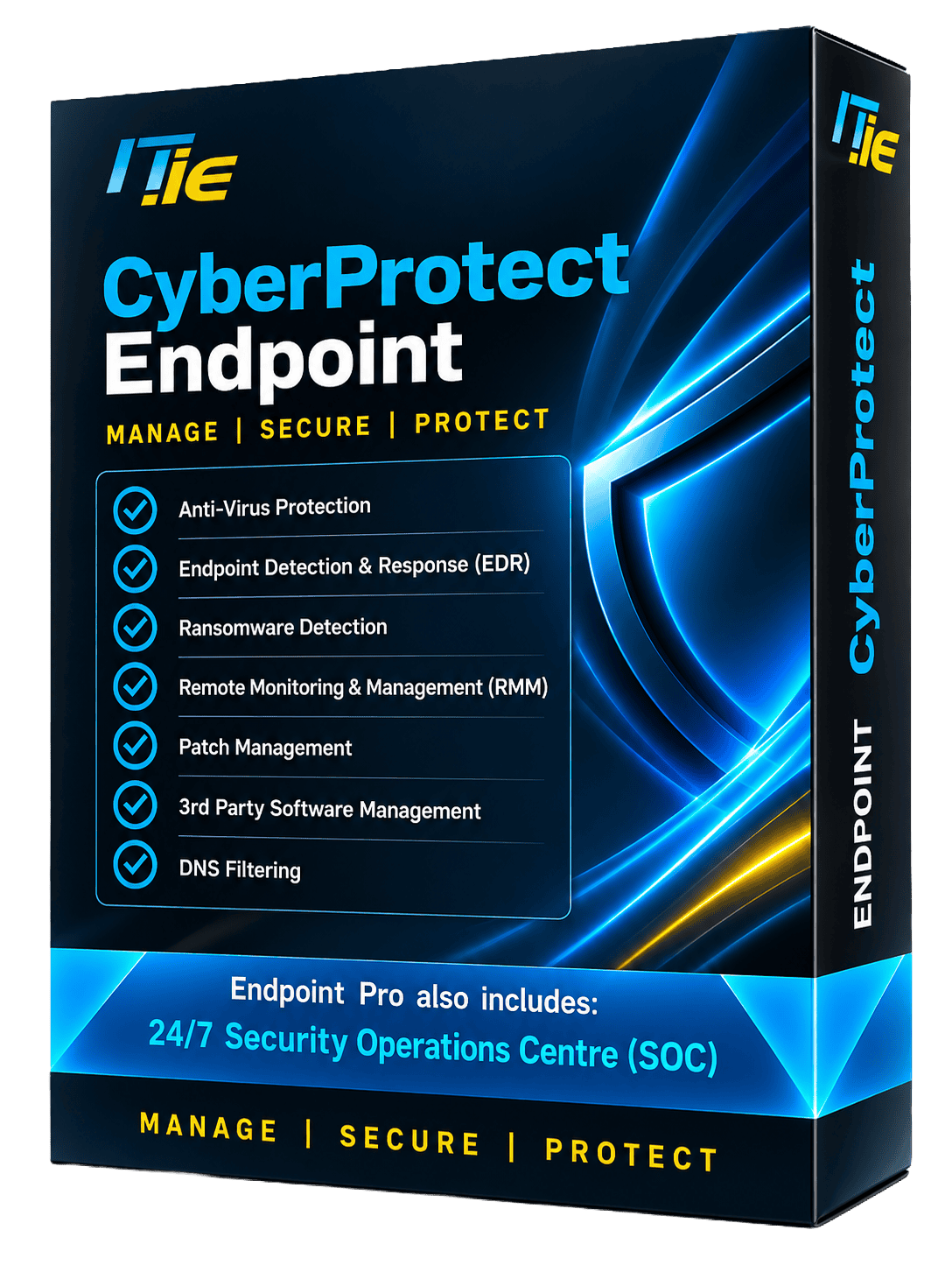
User protects people. Endpoint protects devices.
An attack that starts in an inbox often ends on a laptop or server. CyberProtect Endpoint covers the other half of the shield.
- Anti-virus with endpoint detection & response (EDR)
- Ransomware detection
- Patch and third-party software management
- DNS filtering and remote monitoring, plus a 24/7 SOC in Pro
User and NIS2
NIS2 Article 21 lists the security measures in-scope organisations must take. CyberProtect User supports several of them across your people and Microsoft 365.
No product makes a business compliant on its own. Governance, policies and risk management matter too, and IT.ie can help with those.
- 21(2)(b)Incident handlingCloud Detect & Respond for compromised accounts.
- 21(2)(c)Backup and recoveryMicrosoft 365 backup and restore.
- 21(2)(f)Testing that controls workPhishing simulations show how staff respond (Pro).
- 21(2)(g)Cyber hygiene and trainingEmail protection, plus awareness training in Pro.
- 21(2)(i)Access controlTenant security management and dark web monitoring (Pro).
CyberProtect User questions
Can't see your question? Call 1800 353 353, start a live chat (opens in a new tab) or send us a message.
Last updated
What is CyberProtect User?
CyberProtect User is IT.ie's managed protection for the people in your business and your Microsoft 365. It filters phishing and malicious email, backs up your Microsoft 365 email, OneDrive, SharePoint and Teams, and watches Microsoft 365 for signs of a compromised account. The Pro edition adds cyber awareness training, phishing simulations, dark web monitoring and tenant security management.
Do I need to back up Microsoft 365 if Microsoft hosts my data?
Yes. Under Microsoft's shared responsibility model, Microsoft keeps the Microsoft 365 service running, but protecting your data and accounts is your responsibility. A separate backup lets you restore email, files and Teams data after accidental deletion, a departing employee or a ransomware attack.
What is the difference between Essentials and Pro?
Both editions include cloud email protection and anti-phishing, Microsoft 365 backup and Cloud Detect & Respond. User Pro adds cyber awareness training, phishing simulation and testing, dark web monitoring and Microsoft 365 tenant security management.
How do phishing simulations work?
Your staff receive realistic but safe test emails that look like real phishing. The results show who clicked or reported them, so training can be targeted where it is needed and progress tracked over time.
Does User protect laptops and servers?
No. User protects people, email and Microsoft 365. Laptops, desktops and servers are protected by CyberProtect Endpoint (opens in a new tab), with anti-virus, EDR, ransomware detection, patching and DNS filtering. Taking both gives full cover.
How is it set up?
We start with a free security assessment, then connect CyberProtect User to your Microsoft 365 with minimal disruption. From then on IT.ie manages the protection, backups and training for you from Ireland.
Book your free security assessment
Tell us a little about your team and your Microsoft 365 and we'll get right back to you. We'll show you where you're exposed today and which User edition would close the gaps. No obligation.
Send us a message
We reply within one working day.

Powered by Kaseya. Delivered by IT.ie.
CyberProtect runs on the Kaseya security stack. As a Kaseya Blue Diamond Partner, IT.ie brings elite-level support and integration expertise, so you get the full Kaseya toolset with an Irish team behind it.